

My Law Diary.
Click Signup Button on top Right Corner

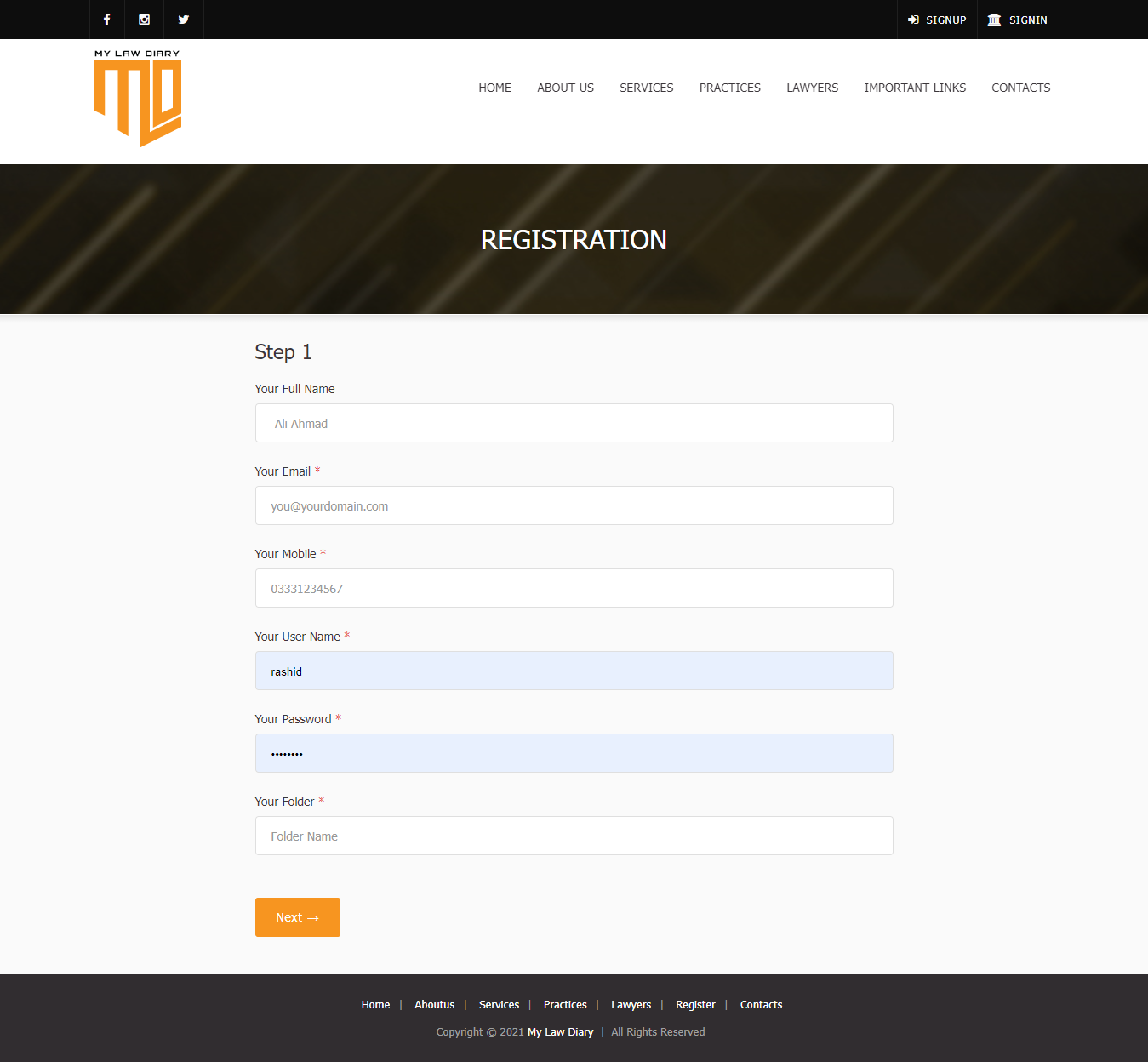
Registration.
Enter Basic information in 1st step
Registration Step 2.
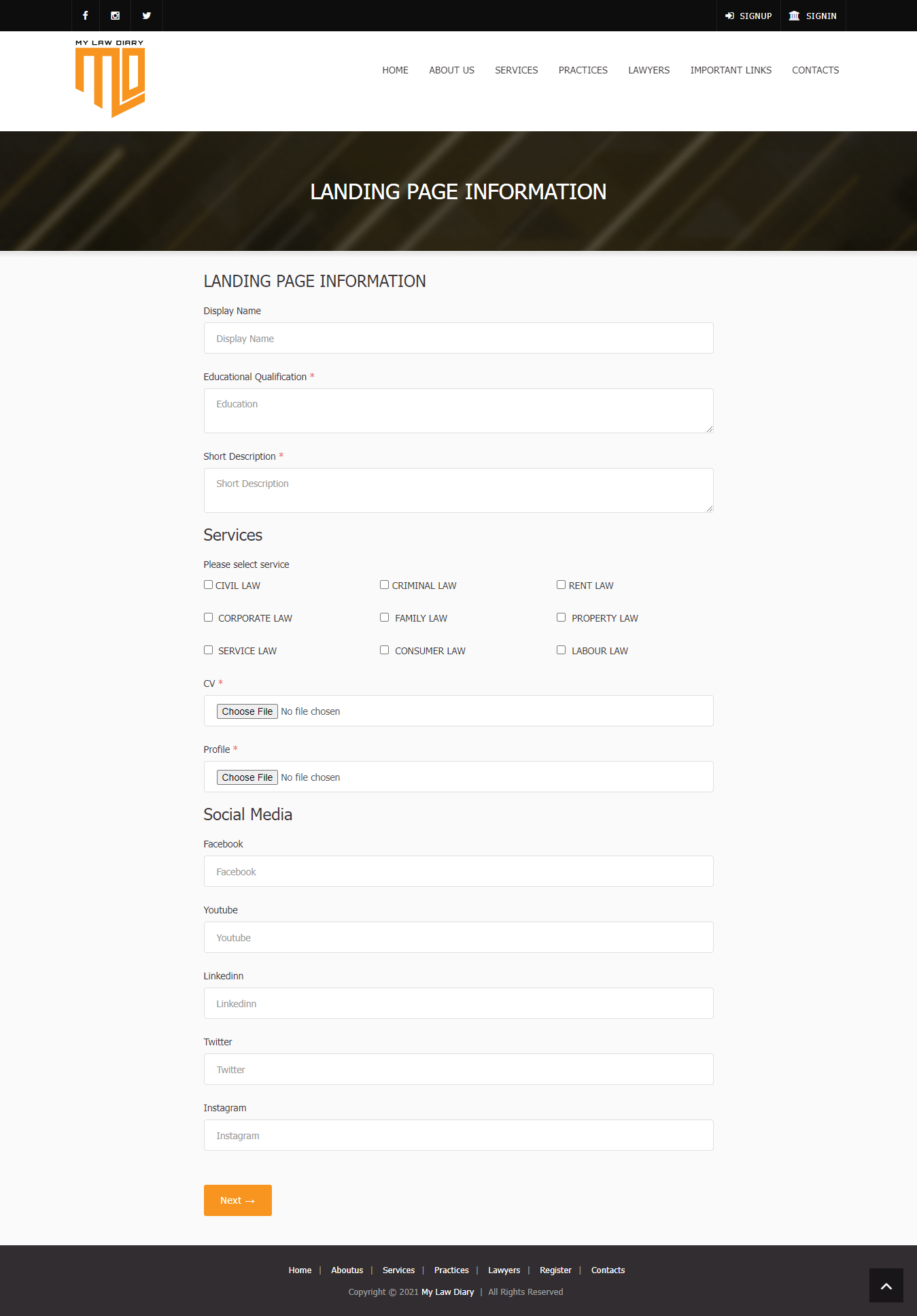
Enter information you want to add to your landing page in 2nd step
Registration Step 3
Enter information for vcard in 3rd step, click on next button

Thank you
Registration has been completed.
Your login details will be sent to you by sms and email

Web Page.
This is your webpage that can be aceess on internet from any where.
The user can download your vcard when the open that page they can also download you CV .
They can be contact you by filling inquiry form the form sent on your register email

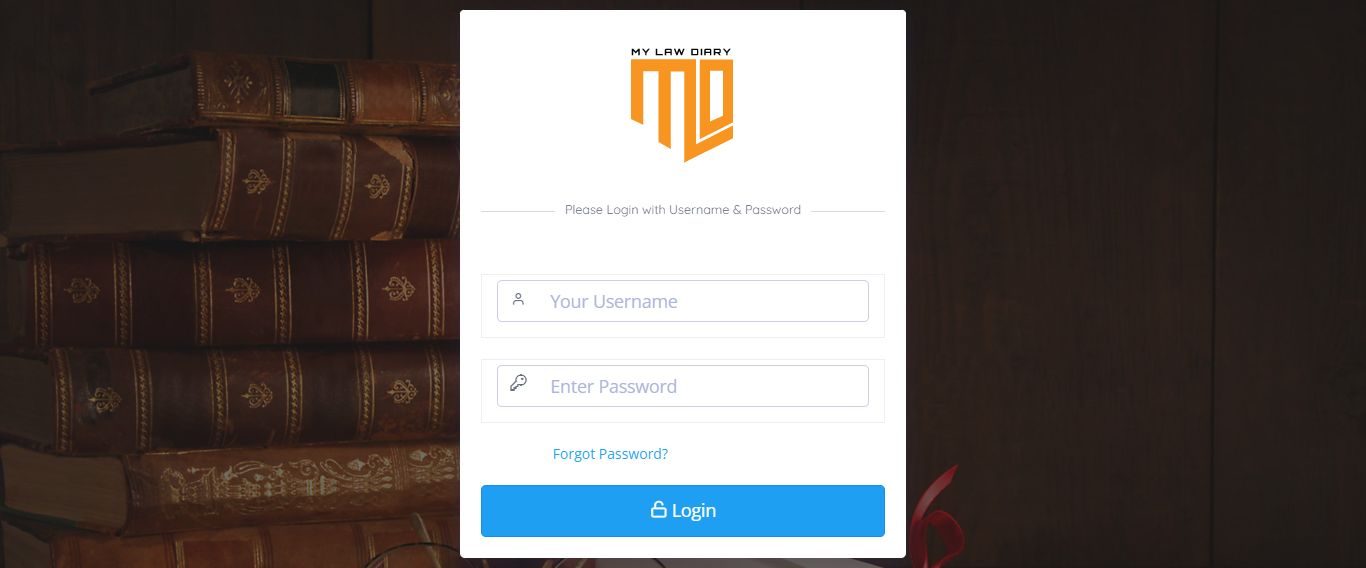
Sign In
Go to main page and signin to portal by clicking signin button on top right cornor and enter login details here
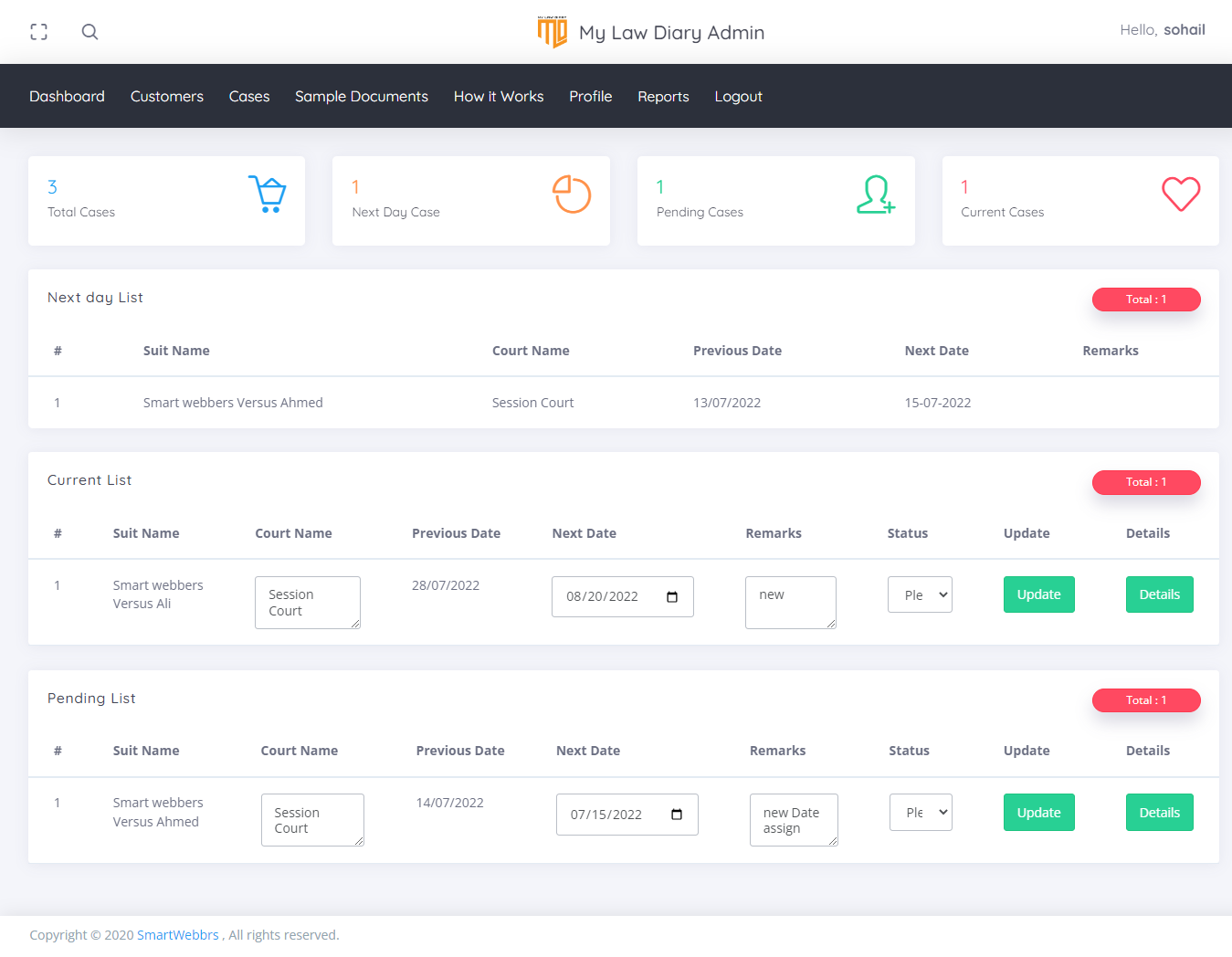
Dash Board.
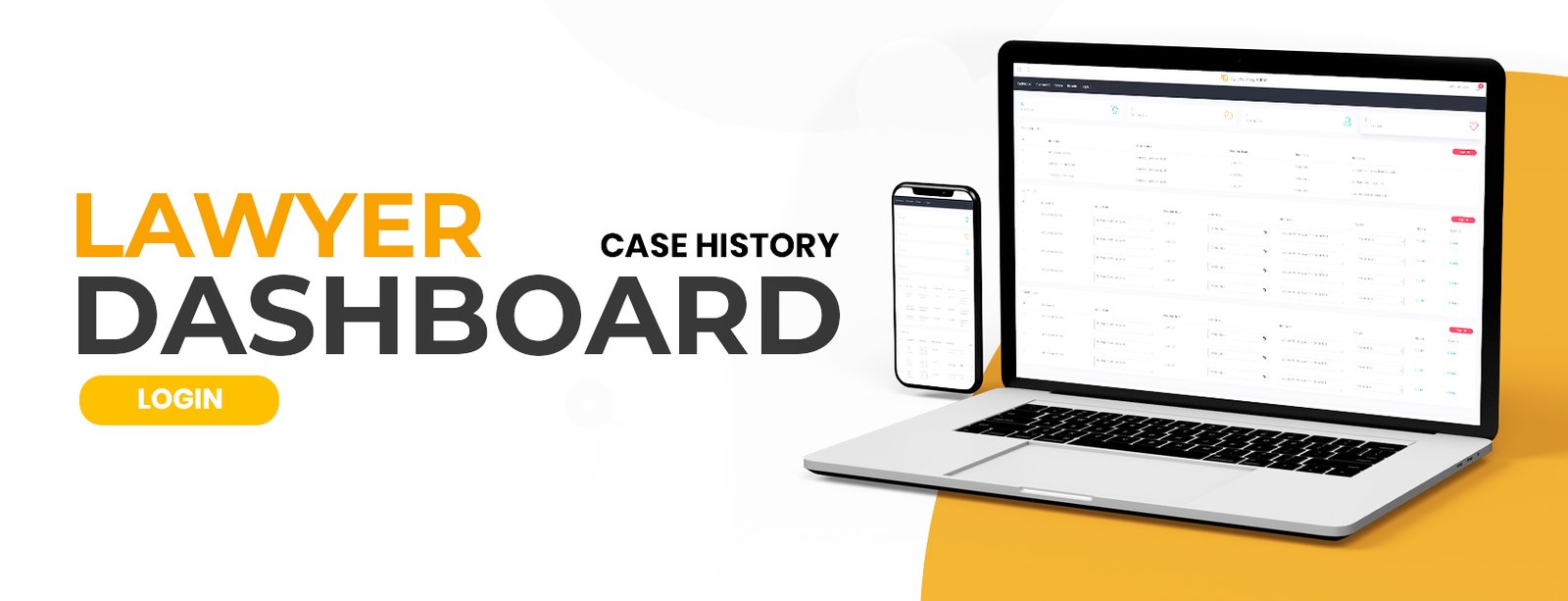
This is the main dashboard where pending cases, next day cases and current cases can be seen.
Here you can update by case detail and dates the email and sms sent by related person that assign in add case section.
You can also downlaod the next day case list and email that list
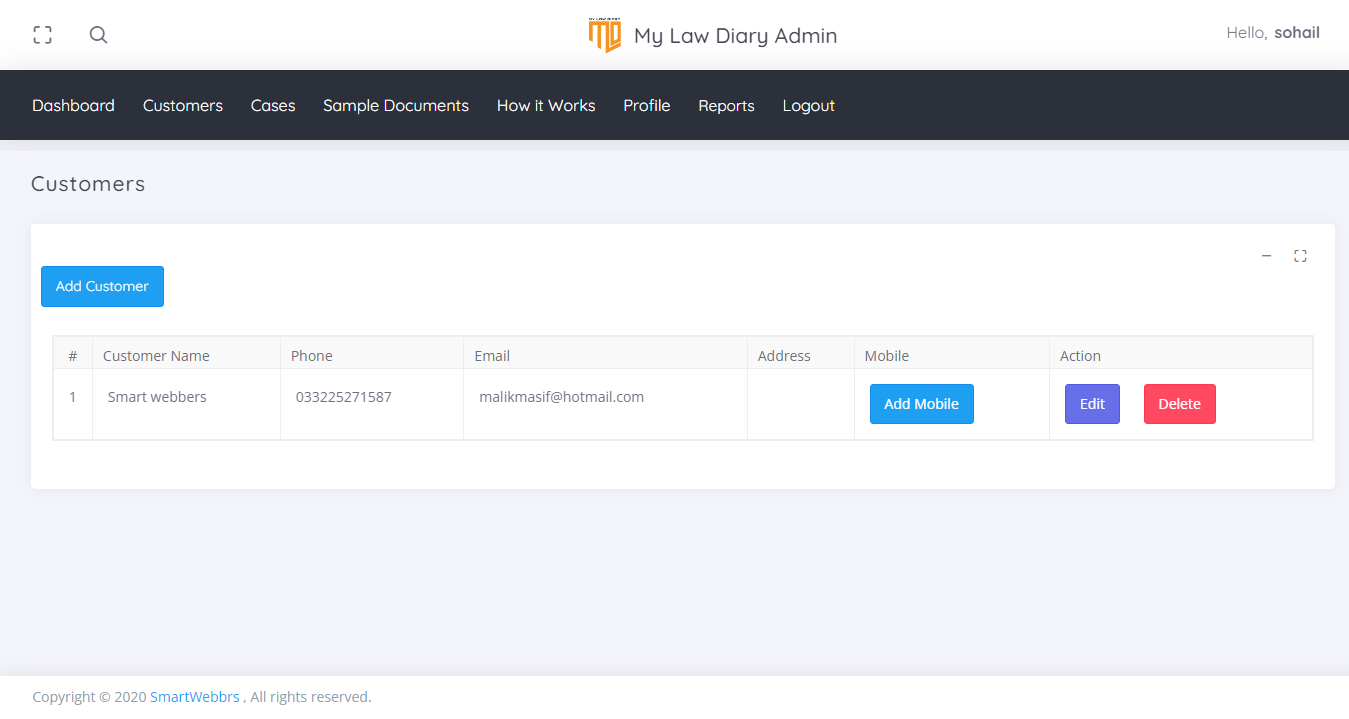
Customer
User can add edit and delete there customers in customer menu.
User can use add customer that they can click in add mobile and enter there email and mobile number where customer can received the sms and emails regarding there case
User can add more person email and mobile numbers to one customer
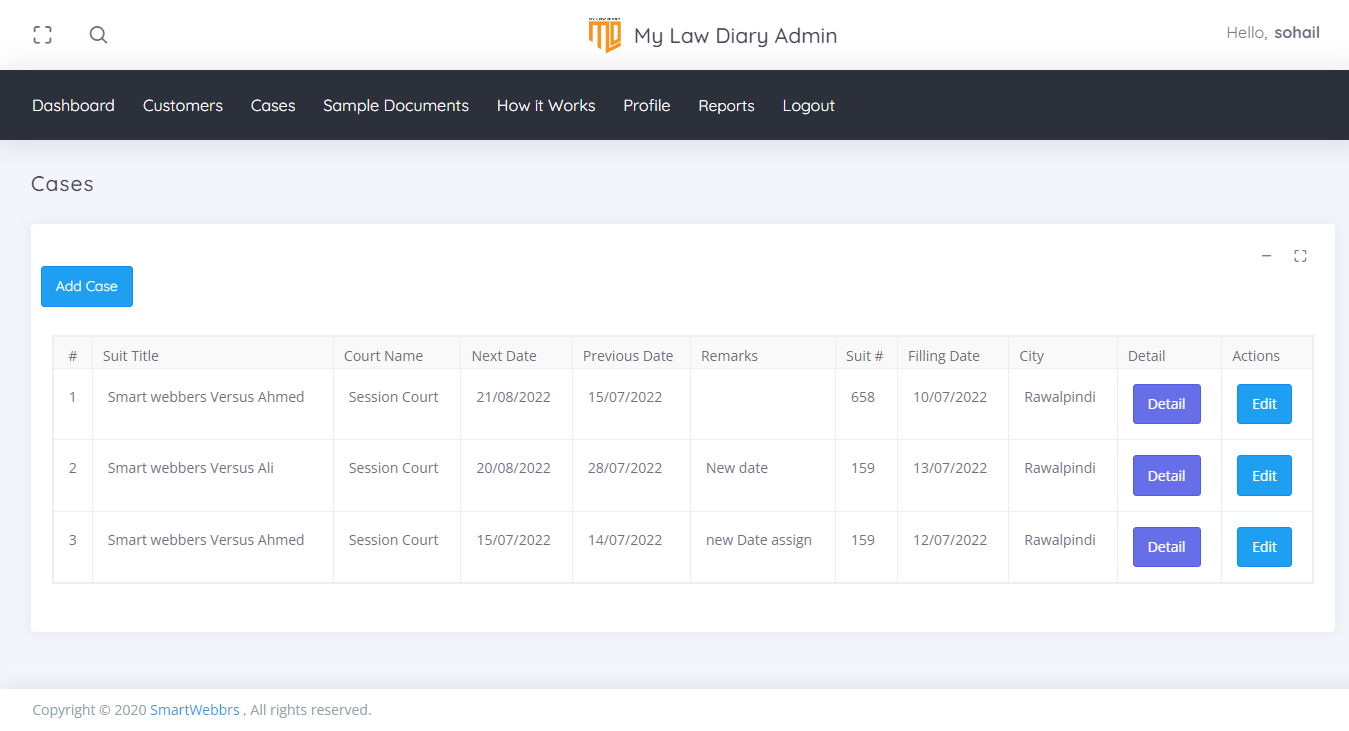
Cases.
User can Add and view all there cases here
User can add new case by click on add case button they need to add the details about case and select the customer from there list where the update regarding the case are sent
User can change case detail by click on edit button
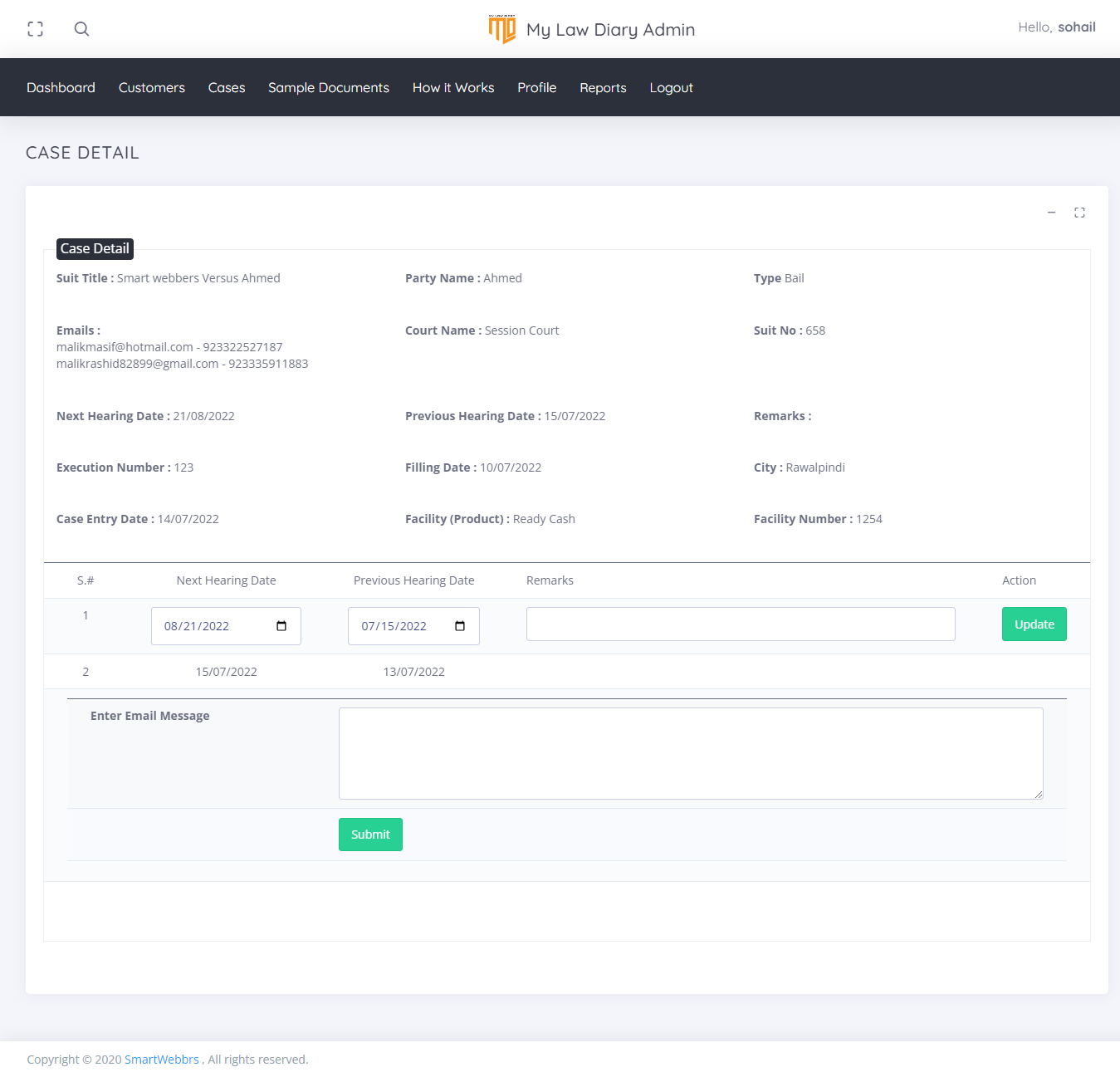
User can add new comments and next date by using detail button the email and sms sent to customer when user add next date in the case detail page.
Case Detail.
User can add new comments and next date by using detail button the email and sms sent to customer when user add next date in the case detail page.